Stage Button Controls
On the wall on the stage is a set of buttons. These are set up for the band to turn on the sound system for practice or for funerals.
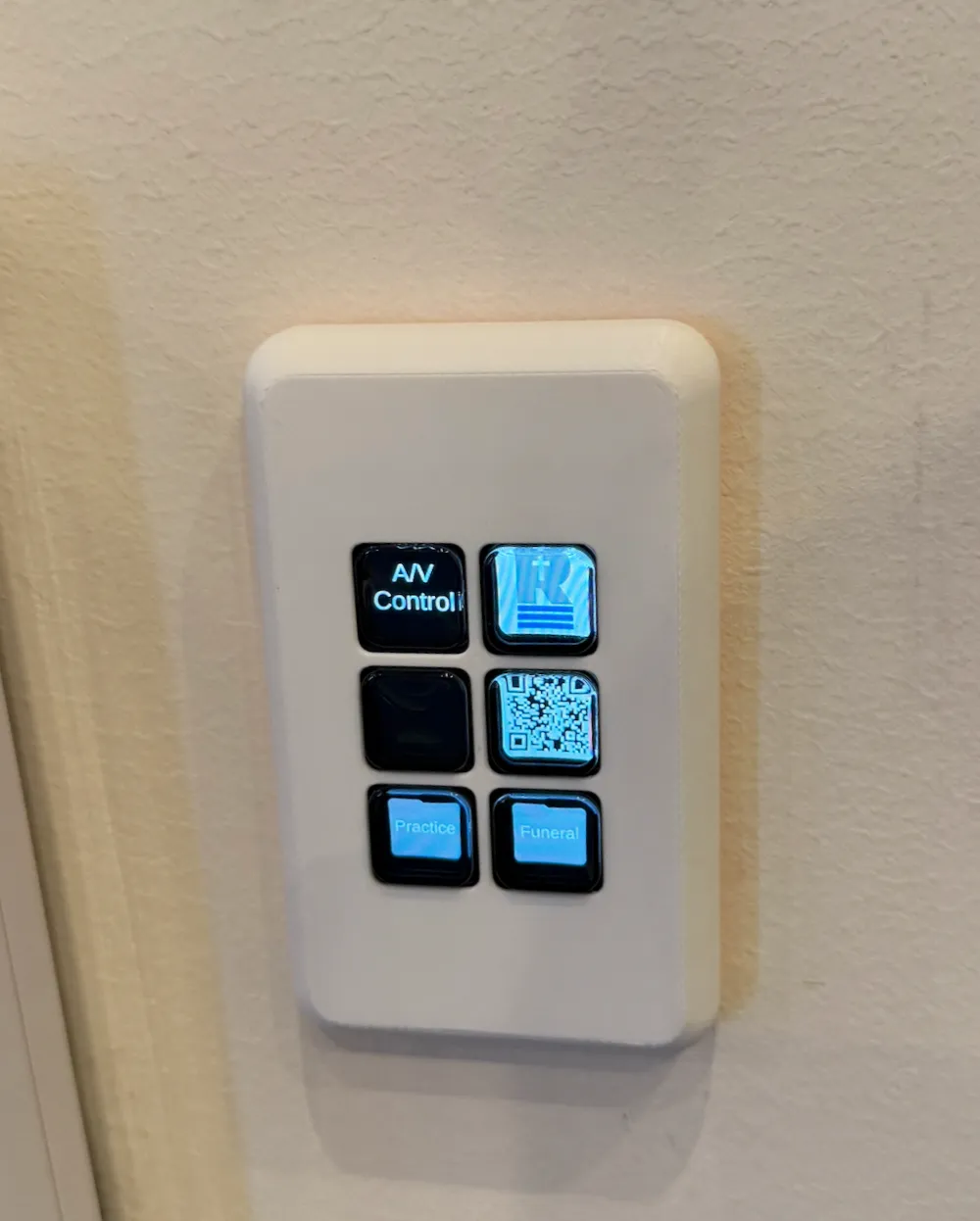
It shows an idle screen which has a QR code for these instructions and 2 folder buttons at the bottom. Pressing the Practice button takes you to the practice control screen.
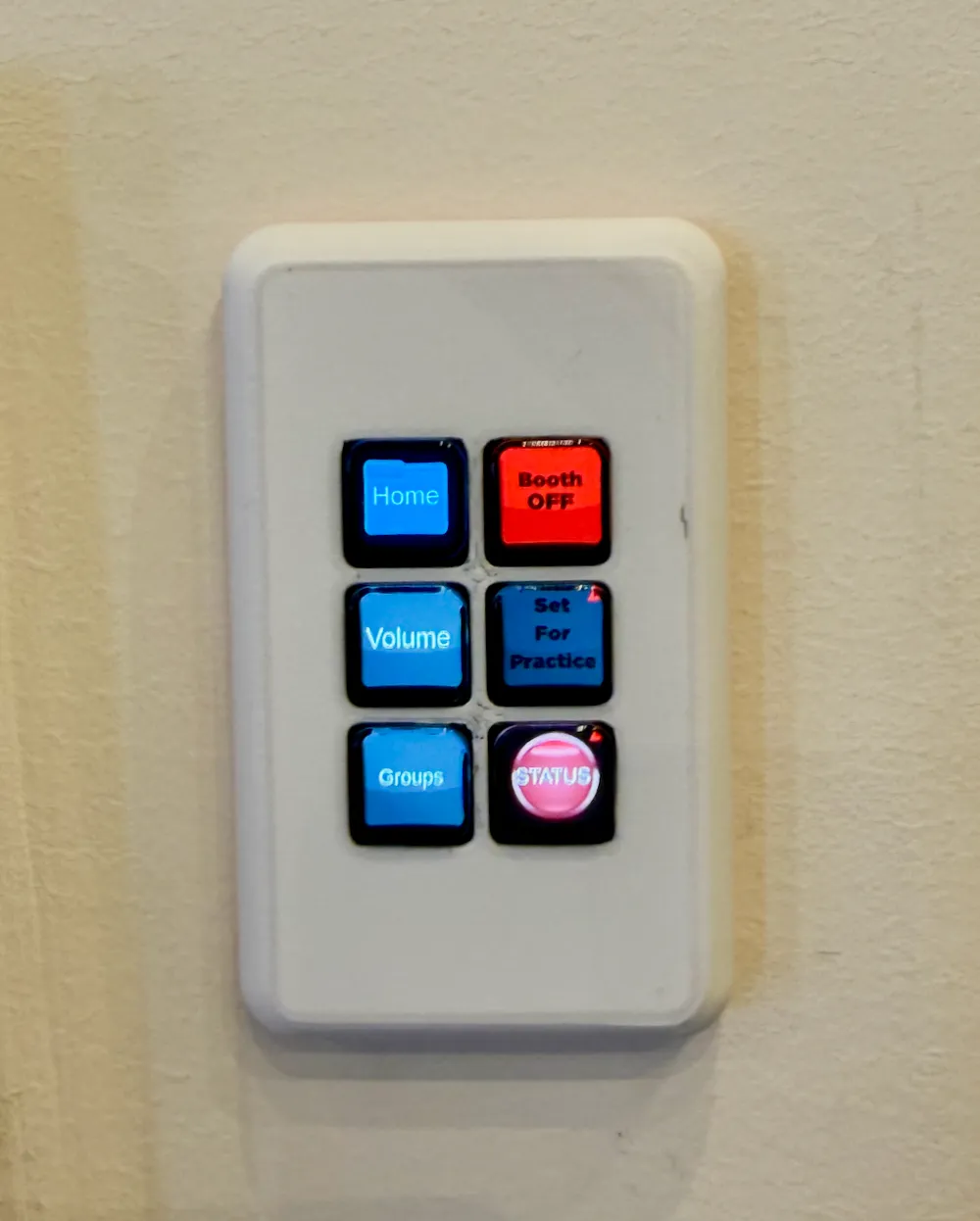
On this screen there are some navigation buttons on the left and the controls on the right.
Turning on the sound for practice
Section titled “Turning on the sound for practice”To turn everything on, press the red button that shows the Booth is off. It will take up to 60 seconds and then go green and show that the booth is on.
Once the booth is on and everything is powered on the button below that one will turn green and says “Set for Practice”, once this goes green press it.
Pressing that button will open the band, vocal microphones, and speakers. The status icon will go green now. You are set to practice.
Turning off the system
Section titled “Turning off the system”To turn everything off, simply press the green button that says Booth On to turn everything off. The buttons will go red once they are off.